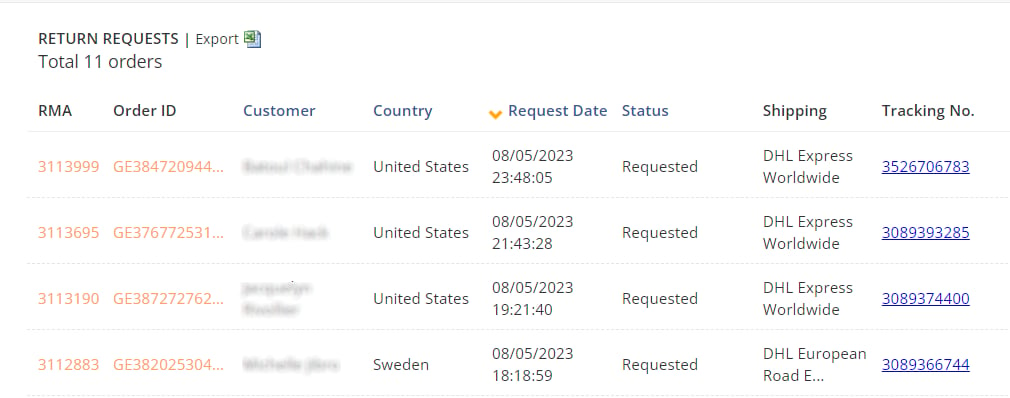

This article describes how a shopper or customer support representative uses the Merchant Portal to search for a return that has already been started. For information about starting a return and creating an RMA/return shipping documents, see Returns Portal.
-
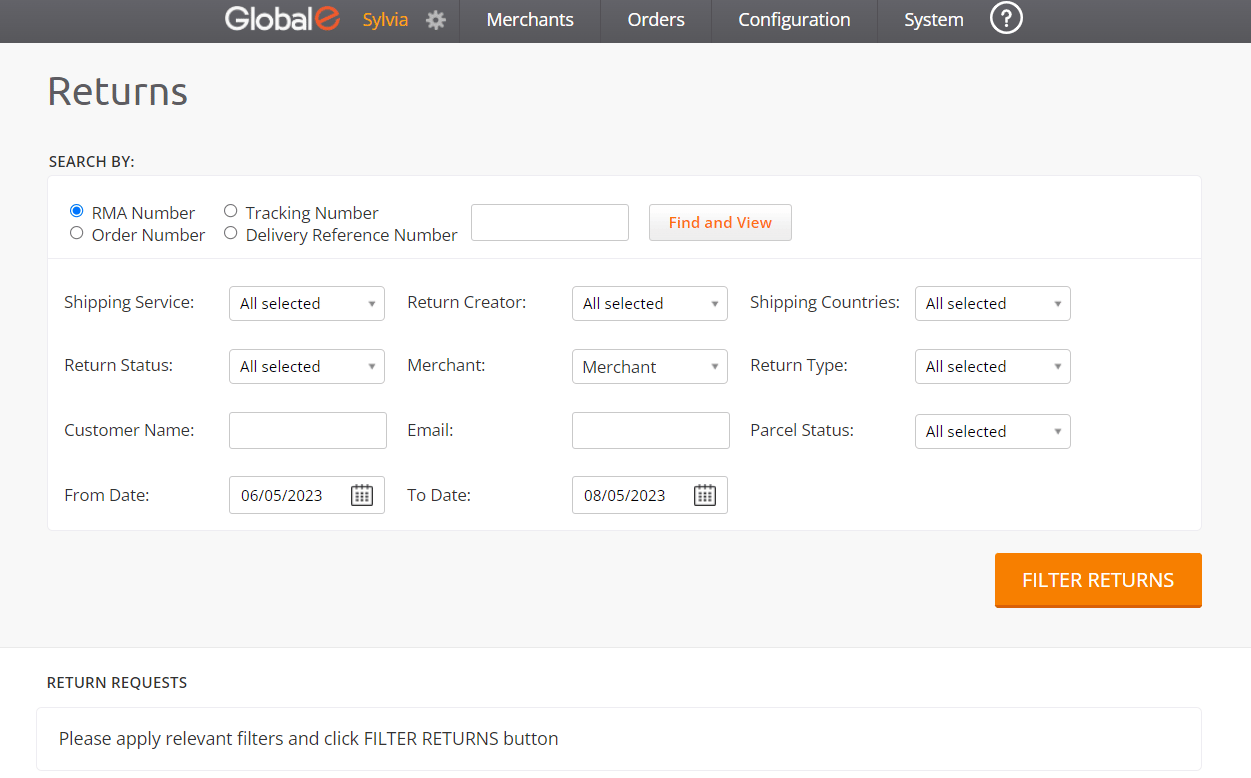
From the Merchant Portal, go to Orders > Returns.
-
You can search for returns by setting the following filters.
-
Select an option:
- RMA Number (selected by default)
- Tracking Number (shipper’s tracking number)
- Order Number (Global‑e order ID - beginning with GE)
- Delivery Reference Number
- You can also set additional search filters (see details in the Additional Search Filters section further below).
- To search for a specific return, enter the relevant return number in the search field, then click Find and View.
- To list all returns based on the default RMA selection or on your selection, click Filter Returns.
-
Select an option: