

- From the Global‑e Merchant Admin, go to Orders > View Orders.
- Find the relevant order (enter the order information and click Find and View) and open it.
- Make sure the order is in Dispatched Status.
-
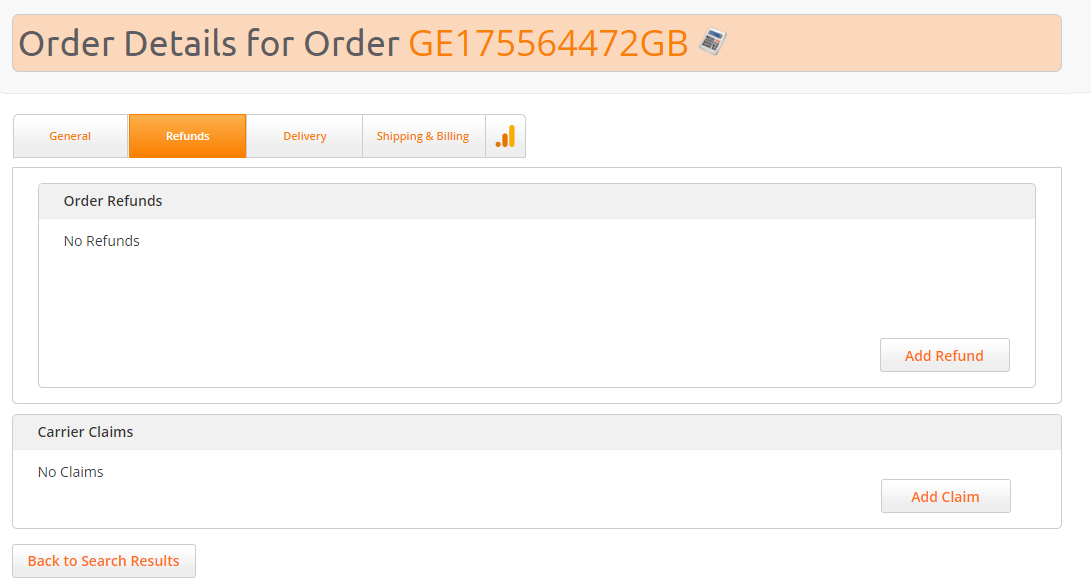
On the Order Details screen, click the Refunds tab.
-
Click Add Refund.
The Refunds screen opens.
The following information is displayed:
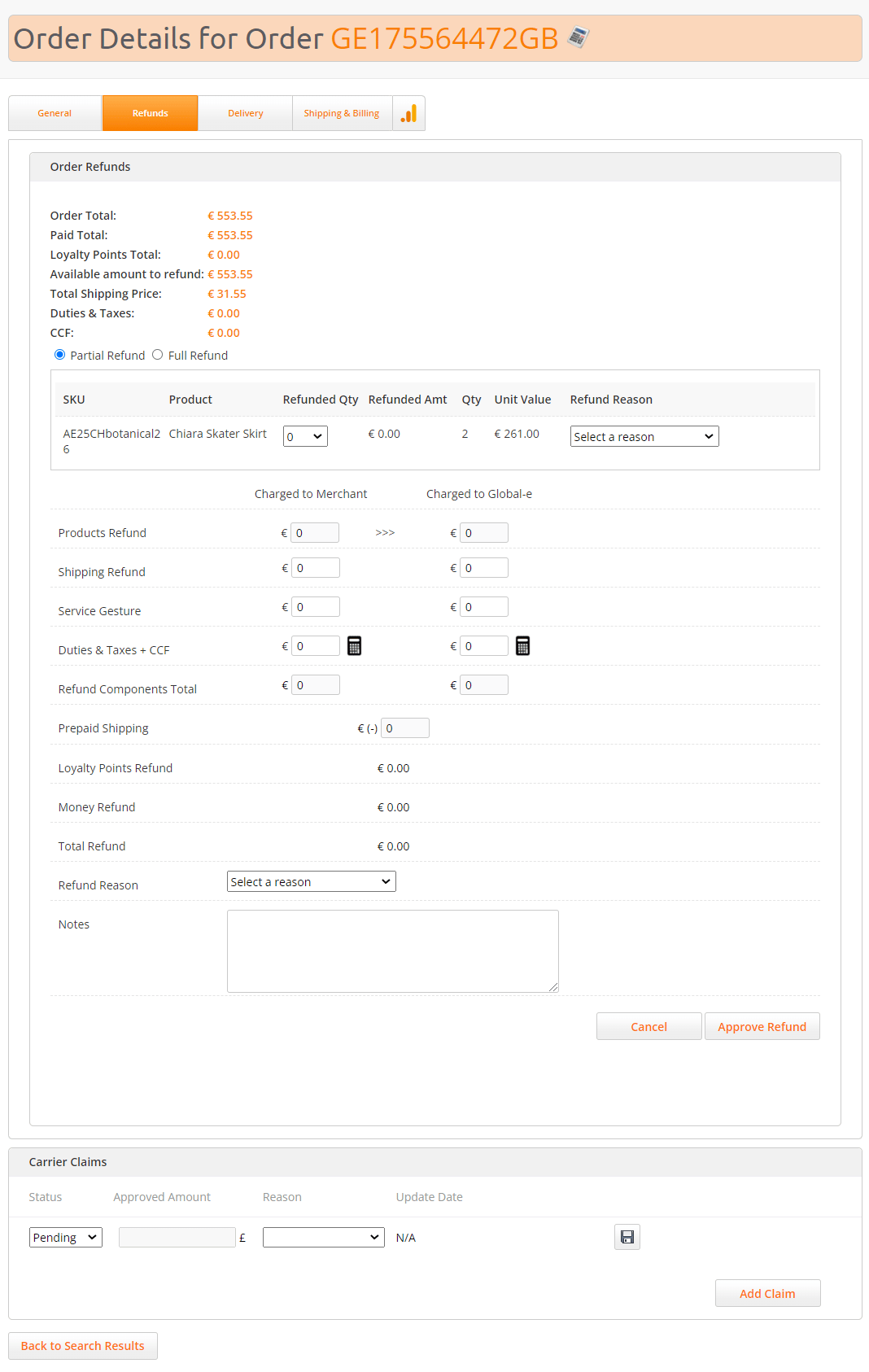
- Select the type of refund: Full Refund or Partial Refund.
- Click Approve Refund.
Issuing a Refund
To refund an order: