

Prerequisites
- An administrator account for your Platform
- A Global‑e Merchant account
- Your Global-e Merchant ID and Merchant GUID (provided to you by Global-e)
- Click the relevant link: Alternatively, go to the BigCommerce store, and find and open the Global-e app. Note that only the production app is available at the Big Commerce store.
-
Click Get this app.
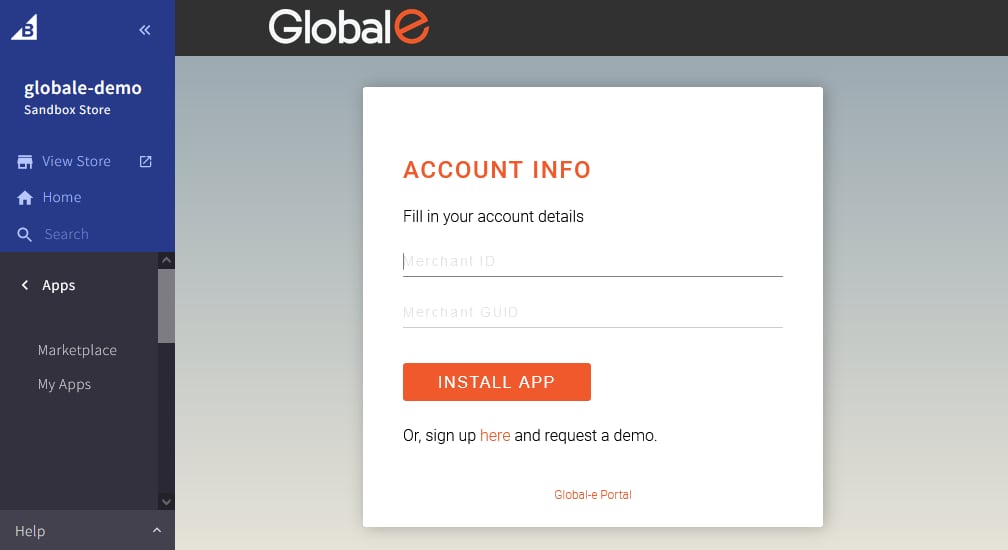
The Global-e Account Info screen is displayed, prompting you to fill in your merchant information.
This information is provided to you when you sign up with Global-e.
-
In the ACCOUNT INFO, fill in:
This information is provided to you when you sign up with Global-e.
- Click INSTALL APP.
- The Global-e Application is now installed. After installation, configure the app to complete the integration.