

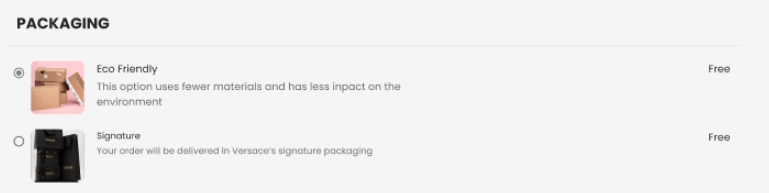
- Packaging Options appears under the shipping section in the checkout. Customers are presented with up to three configurable packaging options, such as Eco Packaging and Signature Packaging.
- A default option is pre-selected based on merchant configuration. If no default is configured, the first option is selected by default.
- The chosen packaging option is prominently displayed in the billing summary for customer review.
Gift Wrapping
Customers can request gift wrapping for their orders on the Checkout page. In the Gift Wrapping section is a checkbox that customers can select if they wish to have their order wrapped.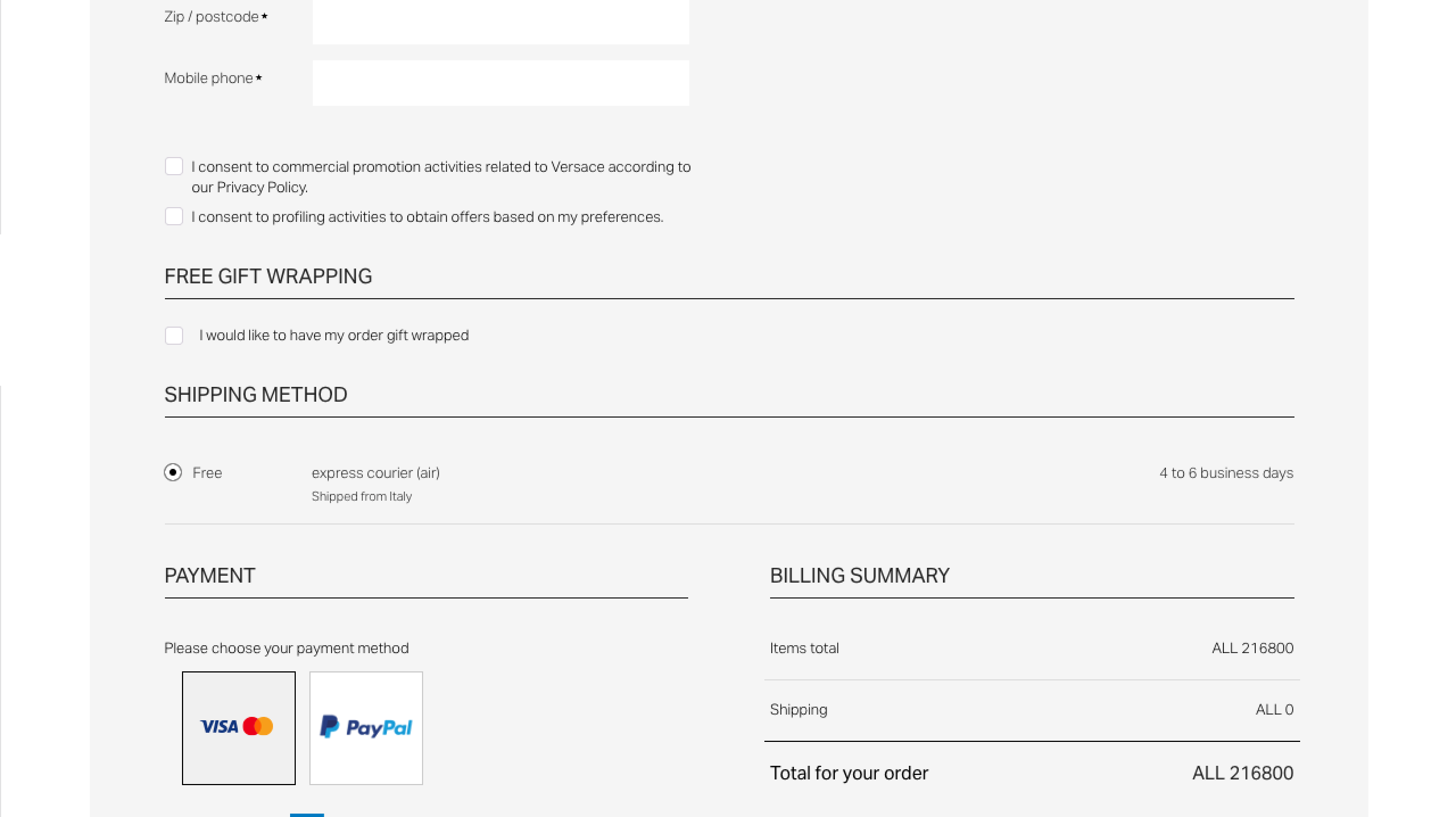

If the gift-wrapping option is selected, the customer comments text box is disabled and no longer available.
Sustainable Packaging Options in Global-e Embedded Checkout
Merchants can strengthen their brand image by offering premium and sustainable packaging choices. Customers may select packaging options that align with their preferences or gifting needs, including eco-friendly packaging to appeal to environmentally conscious shoppers. Merchants can offer customers the option to select between default or eco-friendly packaging for their order at checkout.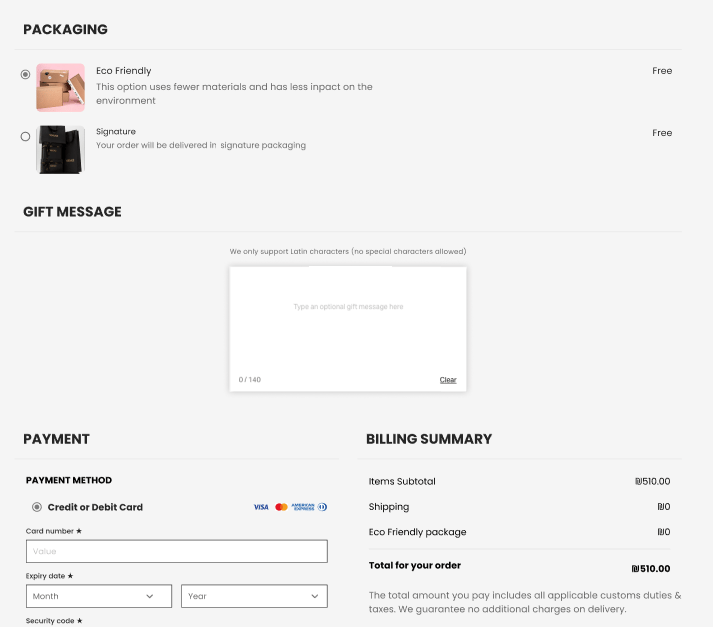
Selecting a Packaging Option in Checkout
Customers can choose their preferred packaging during checkout. The following steps describe how to view and select a packaging option before completing an order.To select a packaging option in Checkout
- Navigate to the checkout page.A new section titled Packaging Options appears under Shipping, unless the cart contains only virtual products.
-
Select one of the available packaging options:
- Eco Packaging – Uses fewer materials and has less impact on the environment.
- Signature Packaging – Delivered in the merchant’s signature packaging, reflecting the brand’s commitment to excellence.
- Confirm your selection.The chosen packaging option is displayed in the billing summary, confirmation page, and confirmation email.
Configuration and Availability
Global-e configures which packaging options appear to your customers and how they are presented. Here is an example of a two-option setup:
Two rules always apply:
- The feature currently supports only free-of-charge packaging (charging for options is planned for a future phase).
- If all items in the order are virtual products, packaging options do not appear.