

Plugin Configuration Page
You can use one of the following plug configuration methods:- Configuring Global-e Cross Border Settings via the WooCommerce Settings Menu
- Customizing Fields within the Global-e API Settings Section
Configuring Global-e Cross Border Settings via the WooCommerce Settings Menu
To configure Global-e Cross Border Settings via the WooCommerce Settings menu
-
Navigate to Woocommerce > Settings.
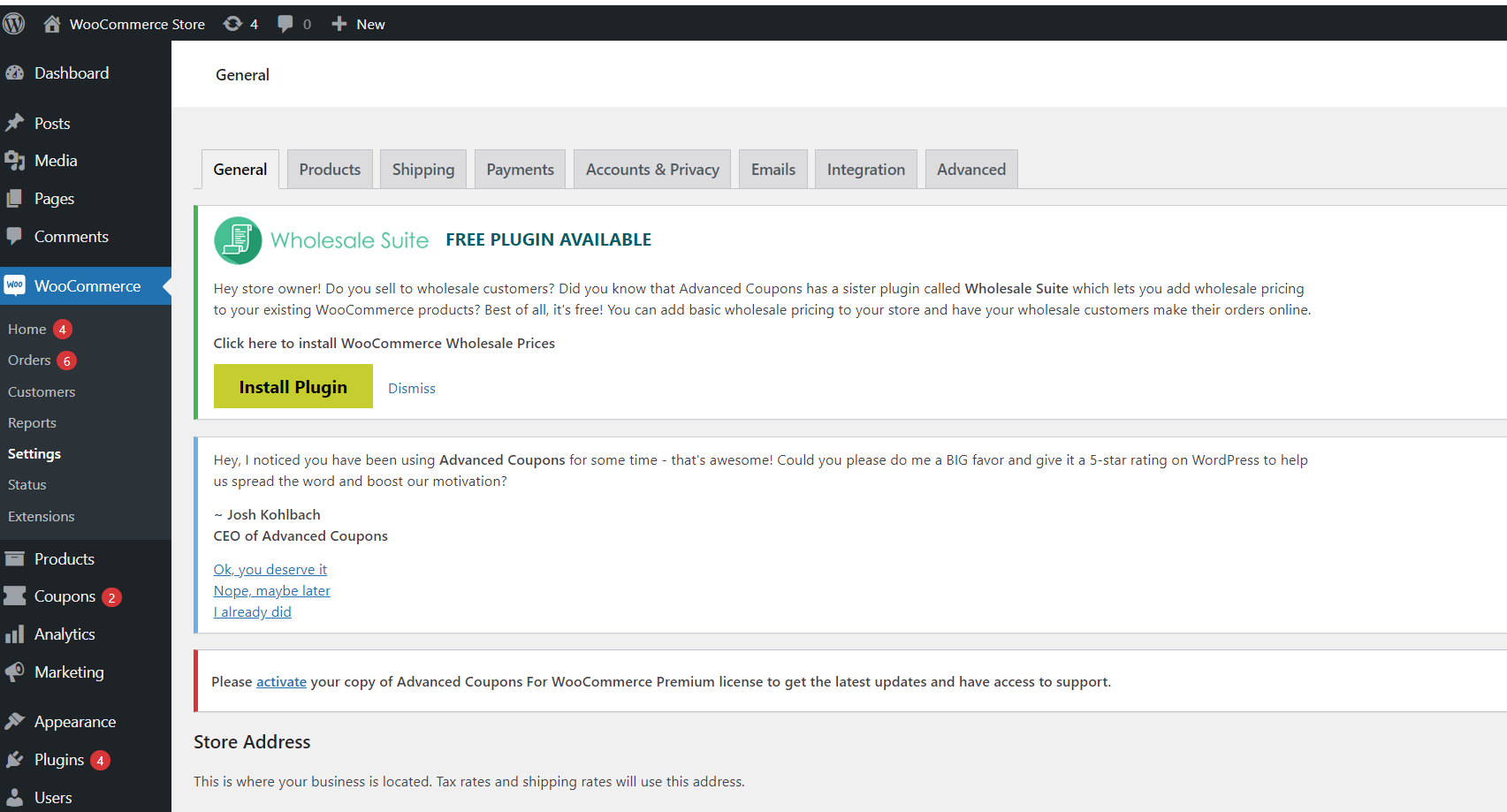
-
Click the Integration tab.
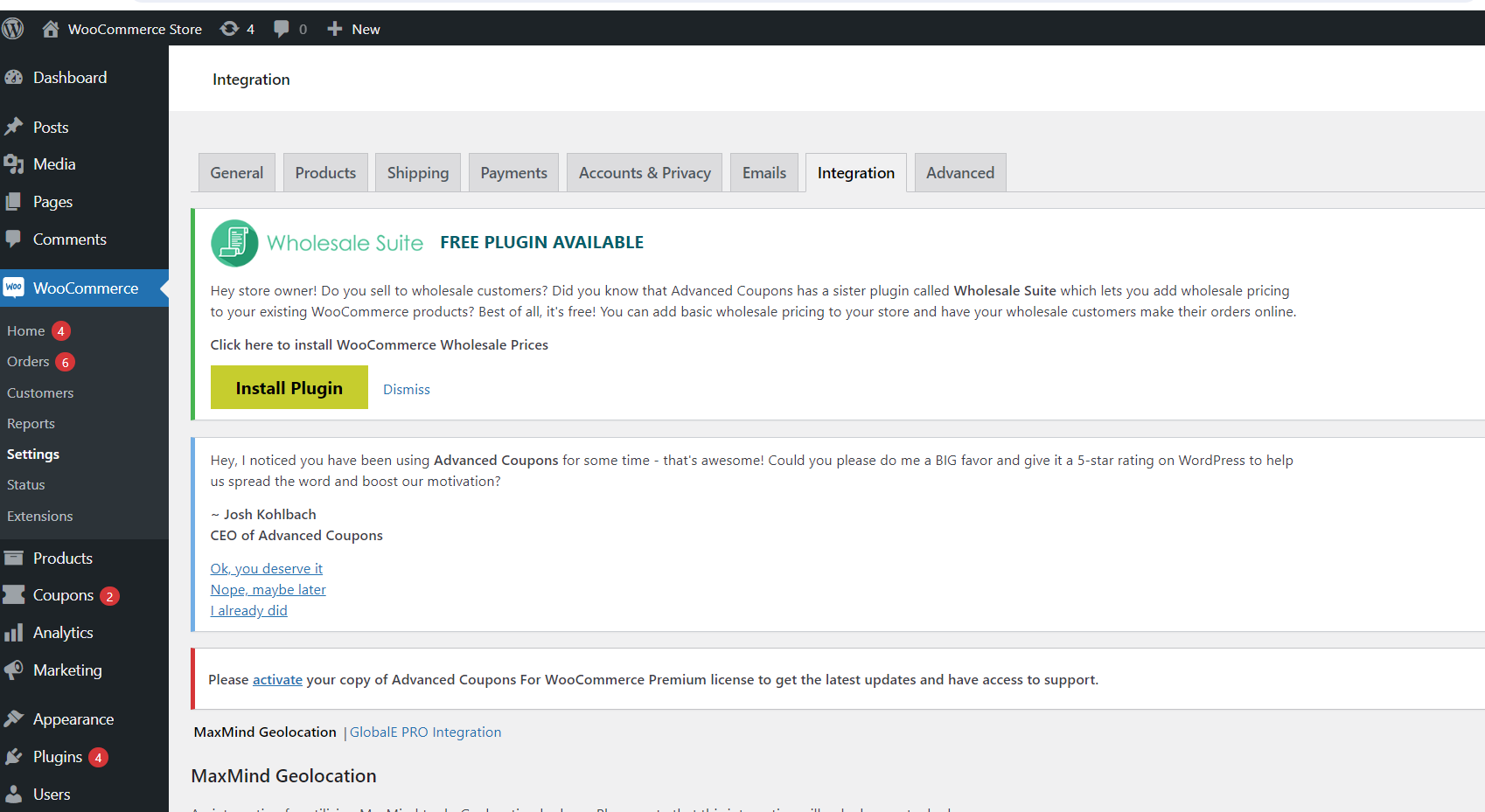
-
In the GlobalE Pro Integration section, configure the fields as needed:
The following table describes the parameters in the Global-E API Settings section:
 The following table describes the parameters in the Products section:
Customizing Fields within the Global-e API Settings Section
To customize fields within the Global-e API Settings Section
-
Navigate to Plugins > Installed Plugins.
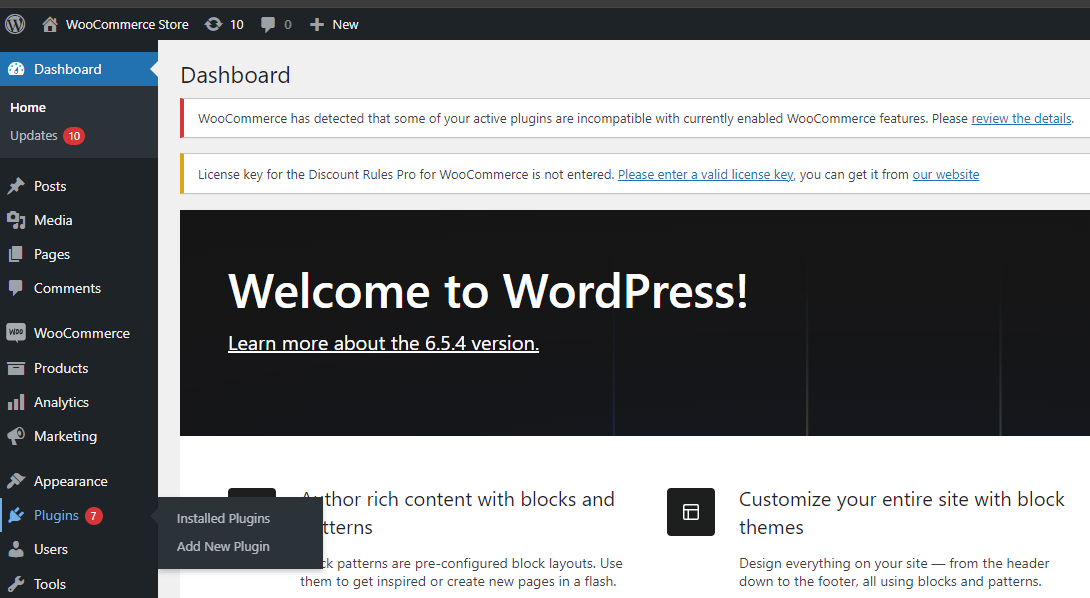
-
In the Global-e Cross-Border for WooCommerce section, click Settings.
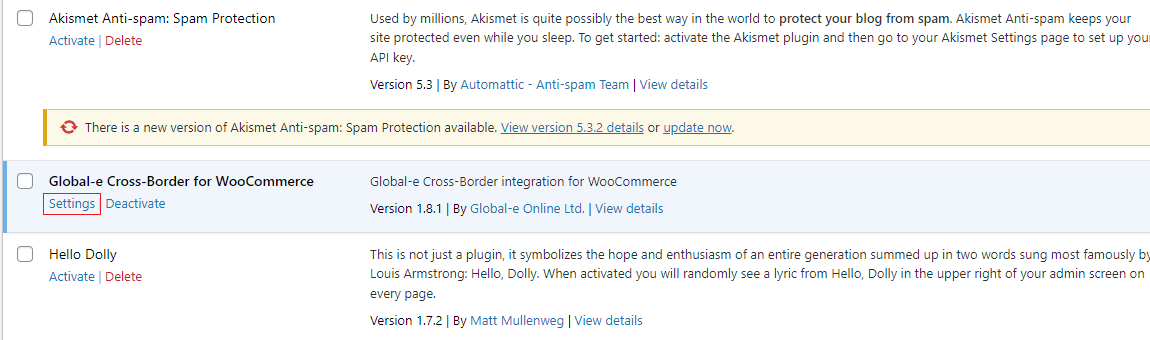
Global-E API Settings
Products
Configure these settings to synchronize specific product attributes with Global-e.Order
Checkout / Order
Discounts
The Global-e plugin for Woocommerce supports three types of discounts:- Native Woocommerce discounts. See the Native guide.
- Discounts provided by third-party module, Discount Rules for WooCommerce.
- Discounts provided by third-party module, Advanced Coupons.